
Typography
Headings
All HTML headings, <h1> through <h6> are available.
h1. Heading 1
h2. Heading 2
h3. Heading 3
h4. Heading 4
h5. Heading 5
h6. Heading 6
Text Emphasis
<em>
<em>italicized text</em>
Bold Text
<strong>
<strong> bold text
Body copy
Our global default font-size is 16px, with a line-height of x. This is applied to the <body> and all paragraphs. In addition, <p> (paragraphs) receive a bottom margin of half their line-height (9px by default).
Nullam quis risus eget urna mollis ornare vel eu leo. Cum sociis natoque penatibus et magnis dis parturient montes, nascetur ridiculus mus. Nullam id dolor id nibh ultricies vehicula.
<p>...</p>
Lead body copy
Make a paragraph stand out by adding .lead.
Vivamus sagittis lacus vel augue laoreet rutrum faucibus dolor auctor.
<p class="lead">...</p>
Small body copy
<p class="small">
This snippet of text is rendered as small text.
<p class="small">small text</p>
MU gold color: #f1b82d
Image styles
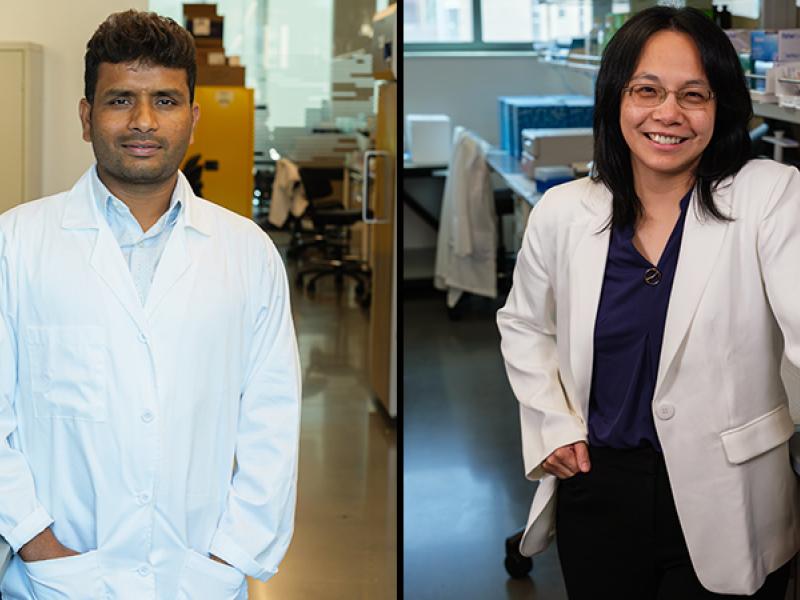
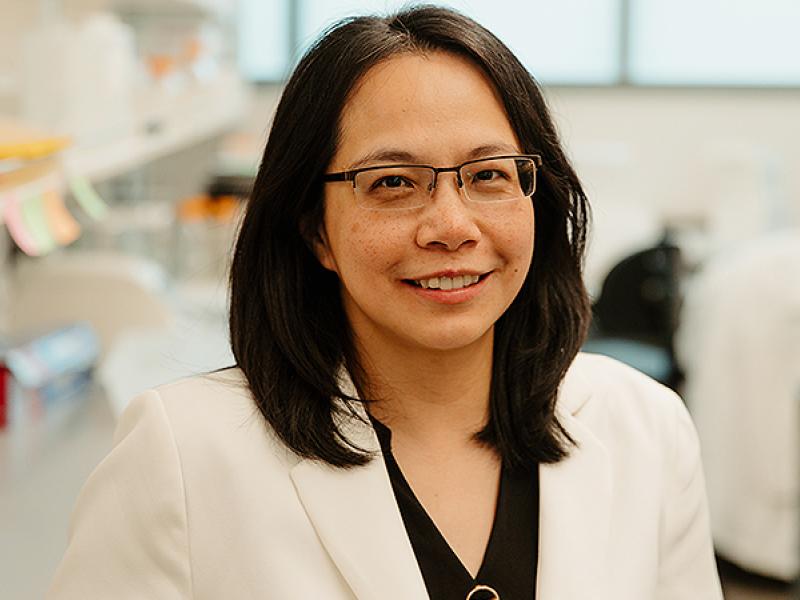
Below are the image dimensions for each image you'll find in the website. Please use this doctor image as a guide to how you should crop your doctor photos.
| Image Style | Dimensions | Comments |
|---|---|---|
| Hero | 1920 x 600 | Hero images on Department pages |
| News Stories | 800 x 450 | Featured image |
| Inline mug shots | 250 x 300 | |
| List of Images | 700 x 666 | List of 3 images on Department pages |
| Image Columns (Time Line) | min 420 wide and max 510 tall | These images can be varied ratios, but should follow the above restrictions for best results. For use on Department pages. |
| Slider Featured Story Images | 730 x 475 | Featured story on Department pages |
| Basic page image | 760 x varies | Full width inline photo |
| Bottom Features | 640x 654 | Full width featured stories or news on Department pages |
| Faculty Images | 600x 600 | Featured Faculty on Homepage and Department pages |
| Headshot images | 250x300 | Inline profile image/photo |
| Doctor Profiles | 1000 x 1200 | Profile Image |
| Video Thumbnails | 540 x 300 | Profile related videos slider |
| Square Images | 600 x 600 | Content Bottom - Residents, Team members, Profile Circles |
| Right rail Images | 615 x varies | |
| Campaign Landing Hero | 1600 x 740 | |
| Campaign Landing 2 column | 540 x 360 | |
| Campaign Landing 3 column | 350 x 240 | |
| Campaign Landing Squares | 360 x 360 |

Video Embeds
When adding in an embed code from youtube or vimeo you must remember to add it's wrapping div and responsive classes!
<div class="embed-responsive embed-responsive-16by9">
    <iframe class="embed-responsive-item" src="https://www.youtube.com/embed/JwACkH1vYm8" title="video title"  frameborder="0" allowfullscreen></iframe>
</div>
Box Styles
You can use these classes to make nice looking callouts or calls to action. You can also add classes like center, title1 or title2 as well! Give it a try! div class="box2"
This is div with a class of box1.
This is a link
and perhaps some text
This is div with a class of box2.
This is a title
and perhaps some text
This is div with a class of box3.
This is a title
and perhaps some text
This is div with a class of box4.
This is a title
and perhaps some text
This is div with a class of box5.
This is a title
and perhaps some text
This is div with a class of box6.
This is a title
and perhaps some text
This is div with a class of box7.
This is a title
and perhaps some text
This is div with a class of box8.
This is a title
and perhaps some text
This is div with a class of box1 title1 center.
This is an h2 title
and perhaps some text
This is div with a class of box2 title2.
This is an h2 title
And this is an h4 title
and perhaps some text
Form Elements
<select class="selectpicker">
    <option value="0">This is a dropdown</option>
    <option value="1">This is a dropdown 1</option>
    <option value="2">This is a dropdown 2</option>
</select>
<div class="form-item">
<input type="text" class="form-text" >
</div> Lists
- Lorem ipsum dolor sit amet
- Nulla volutpat aliquam velit
- Phasellus iaculis neque
- Purus sodales ultricies
- Vestibulum laoreet porttitor sem
- Ac tristique libero volutpat at
- Faucibus porta lacus fringilla vel
- Eget porttitor lorem
<ul>
    <li></li>
</ul> - Lorem ipsum dolor sit amet
- Consectetur adipiscing elit
- Integer molestie lorem at massa
- Facilisis in pretium nisl aliquet
- Nulla volutpat aliquam velit
- Faucibus porta lacus fringilla vel
- Aenean sit amet erat nunc
- Eget porttitor lorem
<ol>
    <li></li>
</ol> - Lorem ipsum dolor sit amet
- Nulla volutpat aliquam velit
- Purus sodales ultricies
- Vestibulum laoreet porttitor sem
- Ac tristique libero volutpat at
- Faucibus porta lacus fringilla vel
- Eget porttitor lorem
<ul class="unstyled">
    <li></li>
</ul>
List two columns
- Lorem ipsum dolor sit amet
- Nulla volutpat aliquam velit
- Phasellus iaculis neque
- Purus sodales ultricies
- Vestibulum laoreet porttitor sem
- Ac tristique libero volutpat at
- Faucibus porta lacus fringilla vel
- Eget porttitor lorem
List three columns
- Lorem ipsum dolor sit amet
- Nulla volutpat aliquam velit
- Phasellus iaculis neque
- Purus sodales ultricies
- Vestibulum laoreet porttitor sem
- Ac tristique libero volutpat at
- Faucibus porta lacus fringilla vel
- Eget porttitor lorem
- Eget porttitor lorem
- Lorem ipsum dolor sit amet
- Nulla volutpat aliquam velit
- Phasellus iaculis neque
- Purus sodales ultricies
- Vestibulum laoreet porttitor sem
- Lorem ipsum dolor sit amet
- Nulla volutpat aliquam velit
- Phasellus iaculis neque
- Purus sodales ultricies
- Vestibulum laoreet porttitor sem
- Ac tristique libero volutpat at
- Faucibus porta lacus fringilla vel
- Eget porttitor lorem
Tables
| # | First Name | Last Name | Username |
|---|---|---|---|
| 1 | Mark | Otto | @mdo |
| 2 | Jacob | Thornton | @jaket |
| 3 | Larry | the Bird |
<table class="table">
    <tr>
        <td>Larry</td>
        <td>the Bird</td>
     </tr>
     <tr>
        <td>Jacob</td>
        <td>Thornton</td>
     </tr>
</table>| # | First Name | Last Name | Username |
|---|---|---|---|
| 1 | Mark | Otto | @mdo |
| 2 | Jacob | Thornton | @jaket |
| 3 | Larry | the Bird |
<table class="table table-bordered">
     <tr>
        <td>Larry</td>
        <td>the Bird</td>
     </tr>
     <tr>
        <td>Jacob</td>
        <td>Thornton</td>
     </tr>
</table>
Buttons
| Button | Class | Description |
|---|---|---|
btn |
Standard button | |
btn btn-block |
Create a button that spans the full width of a parent | |
btn btn-yellow |
Standard yellow button | |
btn btn-clear |
Standard clear button | |
btn btn-link |
Plain link button | |
btn btn-xlblue |
Standard extra light blue button | |
btn btn-ltblue |
Standard light blue button | |
btn btn-xlgray |
Standard extra light gray button | |
btn btn-mdgray |
Standard Medium Gray button | |
btn btn-gray |
Standard Gray button | |
btn btn-black |
Standard black button | |
btn btn-underline |
Standard underlined button |
Icons
This is a list of all the icons available to use
| Icon | Class | Icon | Class |
|---|---|---|---|
class="icon-pdf" |
class="icon-print" |
||
class="icon-circle-check" |
class="icon-check" |
||
class="icon-patients" |
class="icon-shield" |
||
class="icon-careers" |
class="icon-location" |
||
class="icon-locations" |
class="icon-doctor" |
||
class="icon-calendar" |
class="icon-star-half" |
||
class="icon-star" |
class="icon-send" |
||
class="icon-skinny-arrow-right" |
class="icon-skinny-arrow-left" |
||
class="icon-linkedin" |
class="icon-pinterest" |
||
class="icon-instagram" |
class="icon-facebook" |
||
class="icon-youtube" |
class="icon-twitter" |
||
class="icon-search" |
class="icon-menu" |
||
class="icon-search" |
class="icon-chevron-left" |
||
class="icon-chevron-right" |
class="icon-close" |
||
class="icon-play" |